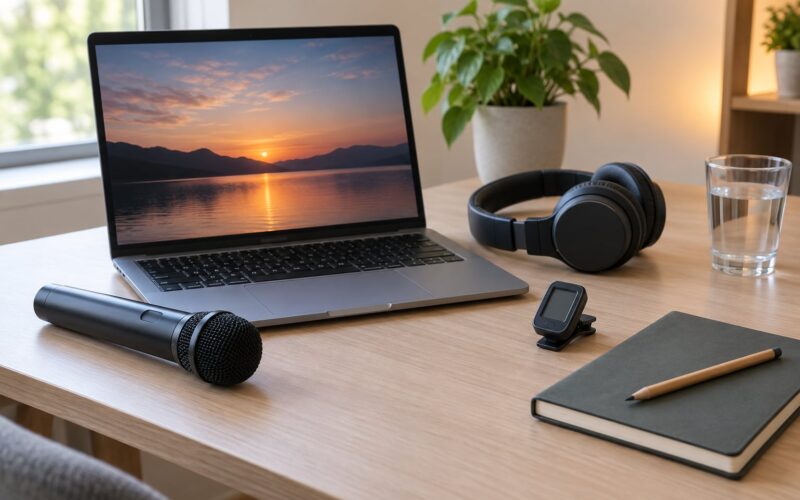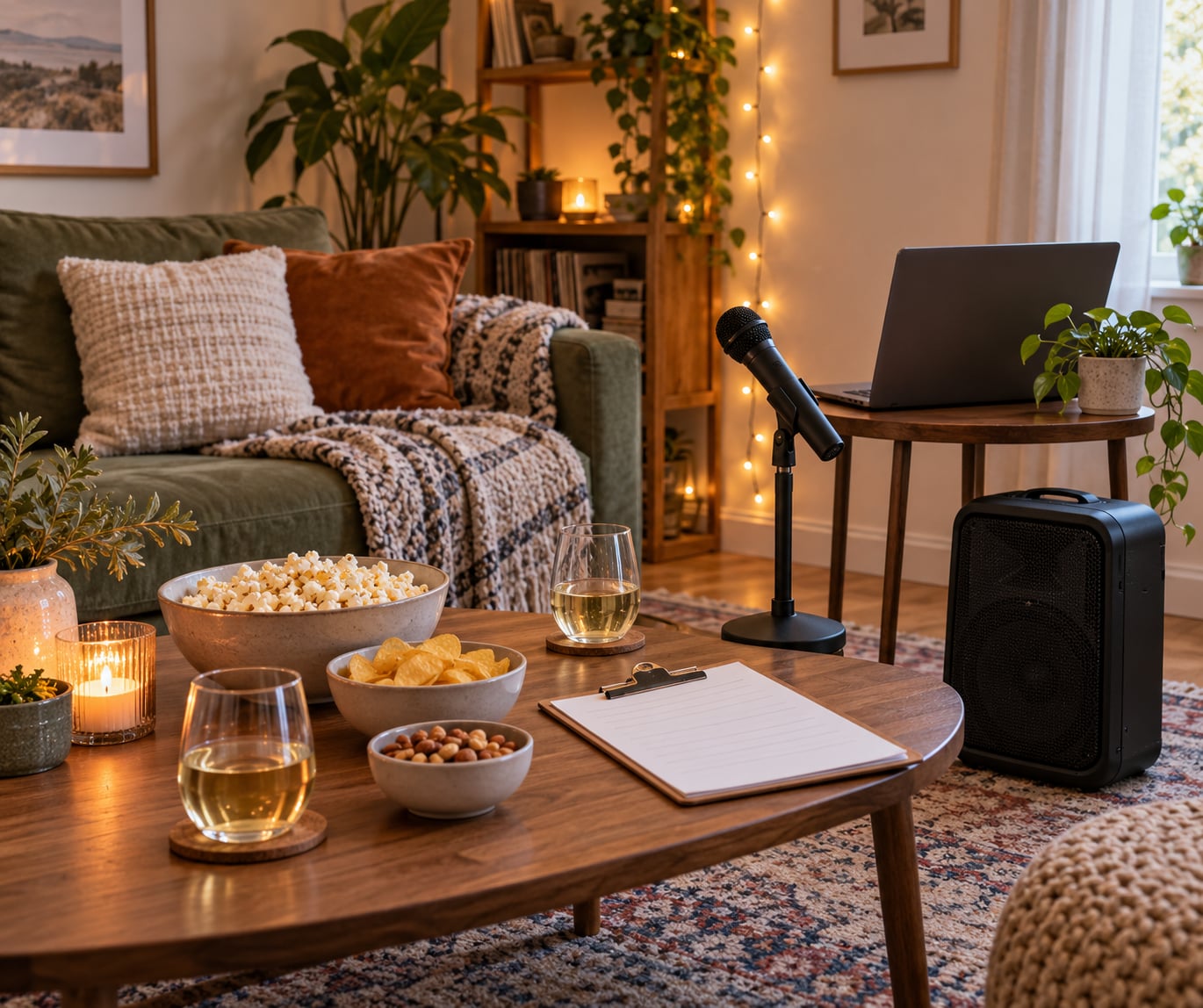
To host a karaoke night at home you need three things working together: a screen showing lyrics, a source that plays the karaoke track, and a microphone feeding a speaker. Add a song queue nobody has to shout about and the night runs itself for three hours.
It takes about 30 minutes of setup and roughly an hour of planning the playlist. Most first-timers overthink it, and most of that worry comes down to one question: where does the microphone actually plug in?
Here is the whole night in order, from what to buy to how to end it without someone still singing when you want to clean up.
Table of Contents
- What You Need
- Step-by-Step: How to Host a Karaoke Night at Home
- 1. Choose a Theme and Guest List Before You Invite Anyone
- 2. Pick a Karaoke App, Website or Free Video Route
- 3. Test the Sound and Microphone Before Anyone Arrives
- 4. Build a Playlist Everyone Can Sing
- 5. Run the Night with a Simple Format
- 6. Set the Room, Snacks and Drinks
- 7. End With a Song and a Cleanup Plan
- Common Mistakes and How to Fix Them
- Frequently Asked Questions
- What is the easiest way to host karaoke at home?
- Do I need a karaoke machine to host a karaoke night at home?
- How many songs should I prepare for a home karaoke night?
- What should I do if guests do not want to sing alone?
- How can I make karaoke night work for a large group?
- What snacks and drinks work best for home karaoke?
- Conclusion
What You Need
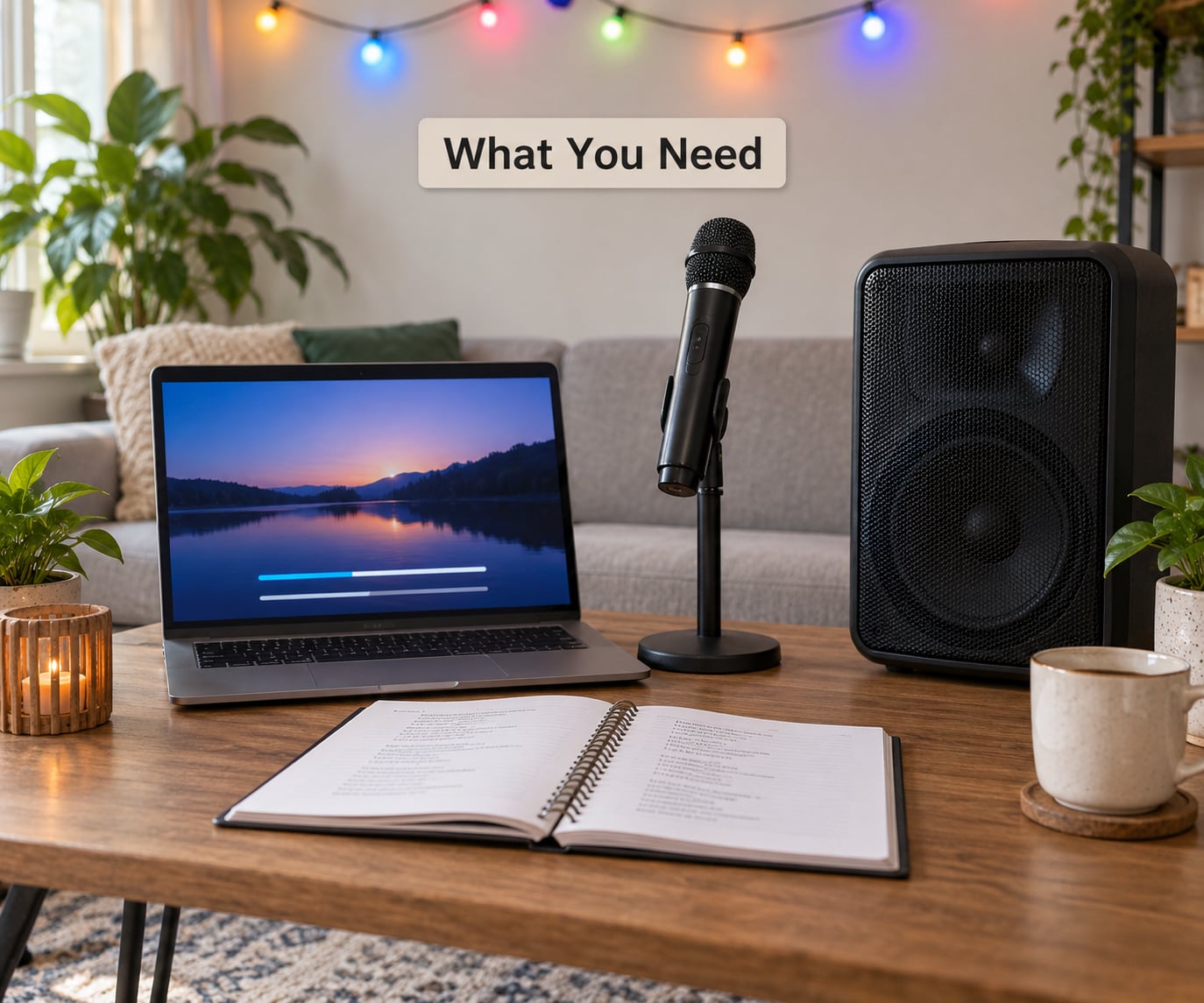
The good news is that almost nothing here is specialized. A karaoke machine is one option, not a requirement, and most hosts get a better night from a laptop or a streaming box plus an app.
The four things that actually matter
- A karaoke source. A karaoke app on a laptop, tablet or smart TV, a subscription service, or simply a video of the song with the vocals removed. Free options exist and they work fine for a group of six.
- A screen people can read from the back of the room. A television is the obvious choice. A laptop screen works if everyone sits close. A projector is worth it only for twenty-plus guests.
- One microphone per four singers. Two wireless microphones for a small party, four for a big one. Wired mics cost less and never need charging.
- A way for the mic to reach the speakers. Either a speaker with a mic input, or a small mixer that the speaker connects to.
Where the microphone plugs in
This is the part that confuses beginners, so here it is plainly. Sound travels from your device into the app, the app sends the audio out through a cable, and the microphone has to reach that same audio path. Plug the mic into the laptop and the singer hears nothing. The mic plugs into the speaker or the mixer, never into the device running the karaoke.
A mixer is the tidy option because it lets you set the music level and the voice level separately, which is exactly what you want when a singer is louder than the backing track. A Bluetooth speaker with a built-in mic input skips the mixer entirely, at the cost of volume control.
Three setup levels
Borrowed setup. Phone, one wired microphone, a speaker that already has a mic jack, and free karaoke videos. Nothing to buy, and it genuinely covers a casual night with friends.
Workable setup. One laptop, a streaming subscription, two wireless microphones, and a small mixer. This is the version most hosts land on after the first party.
Regular setup. Add a second speaker for stereo, a bigger screen or projector, colored lighting, and a small box of cables and adapters you keep in a drawer. Worth doing only if you host more than twice a year.
Also worth having on hand
Song requests on paper or in a group chat. A bottle of water for the singers. A small sign or cue so people know where to queue. Charged batteries if your microphones are wireless. And a rug or a heavy blanket, because soft surfaces kill most echo problems before they start.
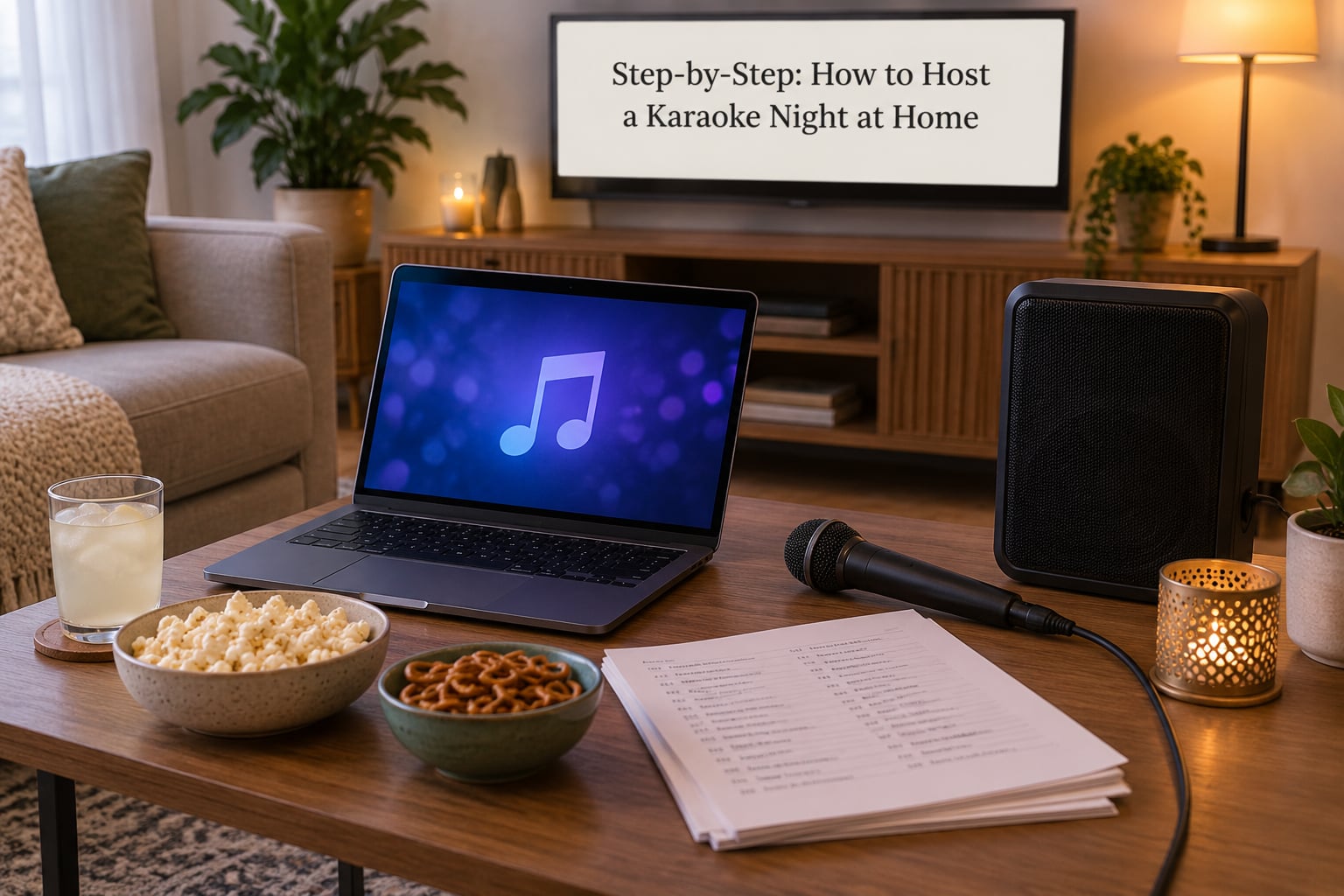
Step-by-Step: How to Host a Karaoke Night at Home
1. Choose a Theme and Guest List Before You Invite Anyone
Pick the shape of the night first, then the headcount. A drop-in evening with six people, a birthday for fifteen, a two-person date night and a twenty-person house party each need a different setup, and the guest count drives everything after it.
Send the invite with two lines of practical information: the date and start time, and a request that each person bring one or two songs they would happily sing. Hosts who ask for requests in advance get a crowd that moves instead of a queue full of silence.
A theme helps more than people expect. Eighties night, diva night, country night, or a night built around one artist gives nervous singers something to aim at. Skip it if your group is small and comfortable with each other.
2. Pick a Karaoke App, Website or Free Video Route
You have three real choices, and all of them work.
Free video route. Search the song title plus the word karaoke and cast the result to the television. The vocal is removed and the lyrics play on screen. The downsides are real: you may wait through an advertisement, some tracks have poor vocal removal that leaves a thin ghost of the original singer, and two people cannot sing a duet from the same video.
Free and paid apps. Apps let anyone in the room search for a song and add it to the shared queue from their phone, which solves the shouting problem immediately. Paid subscriptions generally mean a bigger catalog, more original artist recordings, and fewer interruptions. Read the catalog size before you subscribe, because a small catalog is the fastest way to lose a crowd.
A dedicated karaoke machine. A self-contained unit with a screen built in. Useful if you have no TV or laptop and no interest in cables. You give up the shared queue and usually the choice of which version of a song plays.
Whichever route you take, download a dozen songs to the device the night before. Streaming services drop tracks under busy Wi-Fi, and hunting for a song while six people wait is how the energy dies.
3. Test the Sound and Microphone Before Anyone Arrives
Do this with the room in its real condition. Curtains closed, lights at the level you plan to use, guests still arriving. Thirty minutes here prevents nearly every failure later.
Play a track through the full speaker path. Then sing into the microphone and listen from the far corner of the room, which is where your least confident singer will stand. You should hear the voice clearly above the music without being able to shout over it.
Set the microphone gain so a slightly forceful talking voice sits comfortably. The common beginner mistake is leaving gain too low, then blaming the microphone, when the real answer is a few clicks on a knob.
Check for a squeal when the microphone points toward the speaker. That is acoustic feedback, and no amount of volume will fix it. Change your position instead.
For a wired setup, run the speaker from the laptop with an HDMI cable or a 3.5mm output, and keep the microphone on the mixer. For a wireless or Bluetooth setup, pair everything in advance and confirm the microphone is not cutting out when you step away from the speaker.
Test three songs end to end: a quiet ballad, a loud rock number, and a duet. If those three work, you are covered.
4. Build a Playlist Everyone Can Sing
A playlist is your safety net when the queue stalls. Aim for roughly two songs per guest, which for eight people means about sixteen songs ready to go. Hosts who plan more than that end up singing leftovers nobody wanted.
Balance it. Put in a few songs everyone knows and can shout along to, several from different decades, a spread of genres, and a handful of easy ones for nervous singers. Keep the hardest vocal tracks for later, once the room has warmed up.
Pay attention to vocal range. A song that sits comfortably in most tenors makes the room bigger, while two belts in a row shrinks it fast. Most apps can shift a song up or down a few semitones, which is the single best feature for a mixed-ability group, and many offer a guide vocal that stays in your ear as a safety net.
Do not forget the closers. The last three songs of the night should be the ones that pull people onto the floor together.
5. Run the Night with a Simple Format
Explain the format in about thirty seconds when people arrive, then stop managing. The shape that works: a group opener to get everyone standing, then two songs each, then a free queue, then a couple of duets, then a group singalong at the end.
Use whatever queue system your setup offers, and if there is none, a paper list or a group chat. Without it you get requests shouted across the room and two people singing over each other. A simple rule solves it: one song in the queue per person at a time.
Keep the energy up with short breaks every hour or so. A drink refill, a five-minute dance floor, a round of a game. If you are renting gear and swapping performers, that is also the natural moment to change them out.
To get the shy ones singing, do not point at people. Start with a duet you have already picked, put out two easy choices you know they like, and let someone volunteer instead. Groups warm up fastest when the first two singers set an example rather than perform perfectly.
Make the ground rule explicit out loud: no laughing at anyone, phone cameras pointed only at the room and never at a person who is not expecting it, and anyone can pass without explaining. A sentence at the start does more for participation than any app feature.
6. Set the Room, Snacks and Drinks
Put the performance spot where the screen is visible and the speakers are behind the singer. Speakers beside the singer put the feedback squeal straight back into the microphone.
Light the room warmly and keep it dim enough that faces are not washed out, but bright enough that nobody has to strain to read the lyrics. Colored lighting changes the mood more than any decoration, and it does not obstruct the screen if you put it behind or beside the television rather than in front of it.
Finger foods beat plated meals. Nobody wants to hold a plate while singing, and nothing that needs cutting belongs on the coffee table next to a laptop. Keep drinks in a separate station away from the cables, with water within reach of the singing spot and nothing sticky on the surface holding the equipment.
If you live in an apartment, put the speakers on soft surfaces, keep the volume at conversation-plus-singing level rather than dance-floor level, and finish the loud part before your building’s quiet hours. A quick note to a neighbor in the hallway is cheap insurance.
7. End With a Song and a Cleanup Plan
Pick a final group number in advance so nobody has to volunteer to close. When the last song ends, that is the night, and announcing it early avoids the awkward drift where everyone sits down and nobody leaves.
Coil the cables instead of knotting them, charge the wireless batteries, return anything you rented, and wipe down the microphone grilles. Write down which songs worked while you still remember, and the next night takes half the planning time.
Common Mistakes and How to Fix Them
The microphone squeals. The mic is pointed at a speaker. Reposition it, move the speakers behind the singing spot, or turn the gain down a notch. Pushing volume harder makes it worse.
The singer is hard to hear. The voice level is sitting below the backing track. Turn the music down rather than the mic up, and recheck the gain against a normal talking voice, not a whisper.
Everything echoes. Hard floors, bare walls and thin furniture reflect sound. Put down a rug, hang a heavy blanket, close the curtains, and add soft seating. Move the speaker off the wall and away from the corner.
The singer cracks or loses the key. The song sits outside their range. Use the pitch shift feature, or swap in a version everyone can carry.
Nobody wants to go next. The queue died. Read three requests from the paper list, or run your own playlist for one song to reset the room before opening the queue again.
Requests get shouted across the room. No queue system. Use the app’s shared queue, a group chat, or one paper list on a clipboard.
The setlist stalls. Too many songs nobody chose. Cut the playlist back to two per guest and put in more crowd favorites.
Snacks end up on the equipment. Move food and drinks to a side surface or a separate table, and keep a cloth nearby for sticky hands.
Someone will not sing, ever. Stop asking. Put the microphone within reach, never in their hand, and give them a job instead, like choosing the next song or running the queue.
Frequently Asked Questions
What is the easiest way to host karaoke at home?
Cast a karaoke video from your phone to the television and sing into one wireless microphone plugged into a speaker with a mic input. That needs no mixer and no subscription. Add a second microphone once guests want duets, and add a mixer later if the backing track drowns the singing.
Do I need a karaoke machine to host a karaoke night at home?
No. A karaoke machine is convenient because everything is built in, but a laptop or streaming box with a karaoke app gives you a bigger song catalog and, more importantly, a shared queue where guests add their own songs from their phones. For most home parties the app route wins.
How many songs should I prepare for a home karaoke night?
Plan on about two songs per guest. Eight people means roughly sixteen prepared songs, fifteen people means around thirty. Keep them varied across decades and genres, make most of them singable by an average voice, and save two or three easy ones for guests who are nervous.
What should I do if guests do not want to sing alone?
Stop asking them directly, since that turns a fun idea into a favor. Offer duets you have already chosen, put two easy songs within reach without pressing, and start the night with group numbers where everyone sings together. Many people who refuse a solo song will happily join a chorus.
How can I make karaoke night work for a large group?
For twenty or more guests, use a laptop with an HDMI cable to the largest screen you have, add a second speaker for coverage, and use four microphones so nobody waits on a queue. Set the rotation up front with one song per person per turn, and use the shared queue so requests arrive quietly.
What snacks and drinks work best for home karaoke?
Finger foods that can be eaten one-handed: cheese, crackers, sliced fruit, chips, small sandwiches. Keep a water glass near the singing spot, since dry throat is the fastest way to lose a voice, and skip anything that needs a plate or a knife. Put the drink station away from the cables.
Conclusion
To host a karaoke night at home well, do four things and the rest takes care of itself. Choose where the songs come from and confirm the microphone can reach the speakers. Build a playlist of about two songs per guest, mixing crowd favorites with easy ones. Test the sound from the back of the room while it is still quiet. Then set up one comfortable singing spot with the screen in view and a glass of water beside it.
Everything past that is hosting, not equipment, and it comes down to keeping the queue moving and making it safe for anyone to pass. Do those two things well and people will be asking when the next one is.