Growing an email list from scratch is mostly decisions, not software. Pick one audience, offer one specific thing in exchange for an address, collect signups through a single page, and send a welcome email the moment someone joins. You can set the whole foundation up in an afternoon, and the list grows slowly after that, over months, one useful email at a time.
There is no clever trick here that other people know. The people with big lists did the same ordinary work for longer. What follows is that work, step by step, written for someone starting at zero with no ad budget.
Table of Contents
- What You Need
- How to Grow an Email List from Scratch, Step by Step
- 1. How to Grow an Email List from Scratch by Choosing One Audience
- 2. Choose an Email Service and Protect Subscriber Data
- 3. Build a Simple Signup Form and Landing Page
- 4. Create a Lead Magnet Readers Genuinely Want
- 5. Add Ethical Signup Opportunities
- 6. Set Up a Welcome Sequence
- 7. Send Useful Emails on a Sustainable Schedule
- 8. Review Results and Improve Each Month
- Common Mistakes
- Frequently Asked Questions
- Start With One Focused Signup
What You Need
You need five things before you collect a single address. None of them require technical expertise, and four of them are free to set up.
- One defined audience. Not “people who like my work” but a specific group with a specific problem: new parents in a particular city, independent restaurant owners, first-time home buyers.
- A clear promise. One sentence describing what a subscriber gets, how often, and what kind of thing it is. You will reuse this sentence everywhere.
- An email service provider (ESP). This is the tool that stores addresses, sends your mail and handles unsubscribes. Every major one has a free tier for a small list.
- A signup form on a page you control. One page is enough to start. It needs a headline, a short benefit, an email field, a button and consent language.
- A sending rhythm you can keep. Decide roughly how often you will email before you collect subscribers, not after.
A sending address on your own domain counts as part of the tool setup rather than an extra. Sending from a personal Gmail address is the single fastest way to lose new mail to spam filters, so set that up first.
Optional later: pop-up tools, link shorteners, a referral program, dedicated design software. Add them when a specific limit is in your way, not before. Nothing in the eight steps below needs a paid subscription.
How to Grow an Email List from Scratch, Step by Step
The system has eight parts. The first four can be finished in a few hours: choose an audience, choose a service, publish a signup page, and prepare one free resource. The last four are habits: promote the signup in places you already exist, automate a short welcome sequence, send on a schedule you can sustain, and review numbers monthly. Growth comes from steps five through eight, repeated, not from the setup.
1. How to Grow an Email List from Scratch by Choosing One Audience
Start by narrowing until it feels uncomfortably specific. “Food writers” is too wide; “restaurant owners in the Chicago area trying to cut food costs” is a group you can describe in one sentence and reach in a handful of places.
Narrow by identity, by need, by location, or by stage. Each one produces a different list. Location is powerful for a local audience. Stage is powerful if your readers are beginners at something, since beginners take more advice and stick around longer.
Write an ideal-subscriber statement: “This list is for the person who…” and finish it out loud. Then write the promise: one sentence on what arrives, how often, and why it is worth opening. Test it by asking whether a specific person would read that sentence and think the list was meant for them. If the sentence fits everyone, it fits no one.
2. Choose an Email Service and Protect Subscriber Data
Yes, you can build an email list for free. Every major provider offers a free tier sized for a small list, and that tier is enough until you have a few thousand subscribers. Look at three things when comparing: the free subscriber allowance, whether automated welcome sequences are included at no cost, and whether you can send from your own domain address.
Set up sending from an address on your own domain and turn on authentication. In plain language, SPF, DKIM and DMARC are records that tell receiving servers your mail really comes from you. Most providers switch them on during setup; confirm they are active and that your domain’s DNS is set up correctly before you invite anyone.
Then handle consent like a professional. Record that a person opted in, keep an unsubscribe link in every email, publish a short privacy notice, and never pre-tick a consent box. Double opt-in, where someone confirms via a second email, filters out mistyped and borrowed addresses and reduces bounce rates.
Never buy or scrape a list. Those addresses did not agree to hear from you, complaints follow, and the reputational damage lands on your sending domain, which is the one asset you cannot quickly replace.
3. Build a Simple Signup Form and Landing Page
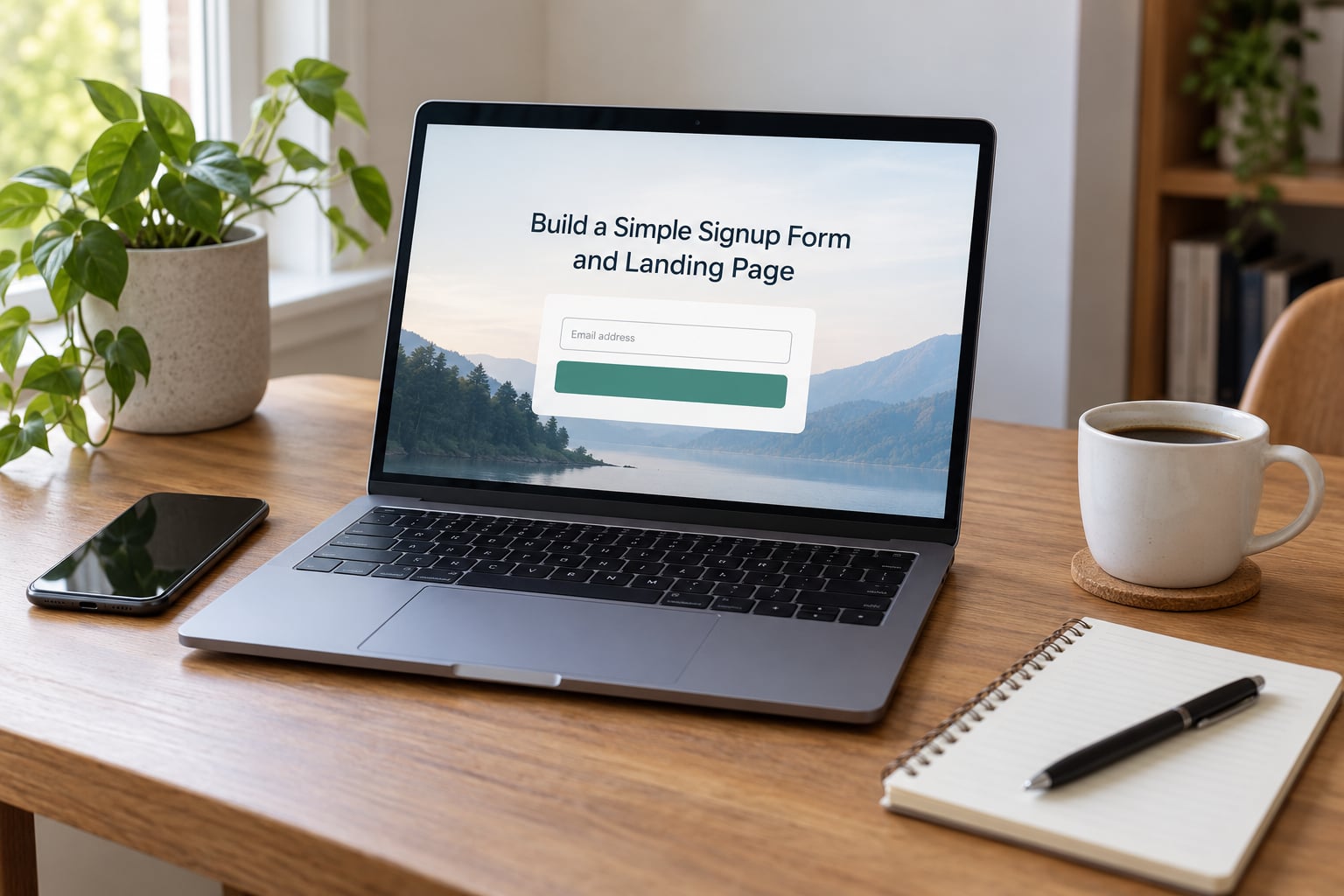
A signup page has seven parts and nothing else. A headline naming what the reader gets, one or two lines of benefit, a short credibility line, an email field, a button with a specific label, consent language under the button, and a confirmation line. Keep it to one form per page.
Field count matters more than design. Ask for the email address and one more thing at most, such as a first name. Every additional question costs you signups, and you can ask the rest later once someone is already subscribed.
Consent language should state plainly what they are signing up for and how often. Label the button with the benefit, not the word “submit”. “Send me the checklist” outperforms “Subscribe”.
Test the whole experience before sharing it: fill in the form yourself on a phone and on a laptop, confirm the address arrives in the right audience list, check that the confirmation message appears, and confirm the person lands in the welcome sequence rather than in a dead end. A form that quietly fails is the most common reason a list stalls at zero.
4. Create a Lead Magnet Readers Genuinely Want
A lead magnet is the thing you offer in exchange for an address. The most useful versions are narrow. People in marketing forums are blunt about this: a broad “ultimate guide” gets ignored, while one very specific resource gets saved.
Useful formats for a small list include a checklist, a template, a short guide, a printable planner, a calendar, a local directory, or an invitation to a free workshop or event. Match the format to your audience’s actual job. A template suits someone who wants to finish a task this week. A guide suits someone still learning the territory.
Build one resource, not a library. Deliver it immediately, ideally within a minute of the signup, and keep the same promise in the welcome email that you made on the page. If the page promised a checklist and the first email delivers a general newsletter, you lose the person and probably the unsubscribe too.
Judge the resource by the subscribers it attracts, not by how many downloads it gets. A thousand signups from people outside your audience produce a list that never clicks.
5. Add Ethical Signup Opportunities
One form on one page gets a trickle. Signup opportunities in several honest places add up. Put a form or a link in your site header, at the end of every article, in your email signature, and on the pages where your audience already spends time.
Use content-matched calls to action: on a page about event planning, offer the event planning checklist, not a generic newsletter. When a visitor finishes reading, they are closest to saying yes.
Offline matters too for community, membership and local audiences. Put a QR code on event signage, on a table at the door, on printed material. A tablet or a clipboard works as well as a laptop.
Promote where your readers already are: your social profiles, community forums and groups you genuinely participate in, guest posts, podcasts, and collaborations with people serving a similar audience. In r/startups and r/Entrepreneur threads, the pattern that keeps coming up is unglamorous: publish a small page, share it where the topic is discussed, and message people one to one rather than waiting for an audience to show up.
Use a simple tag or separate page for each source so you can tell later which channel produced signups. Without that, you are guessing.
6. Set Up a Welcome Sequence
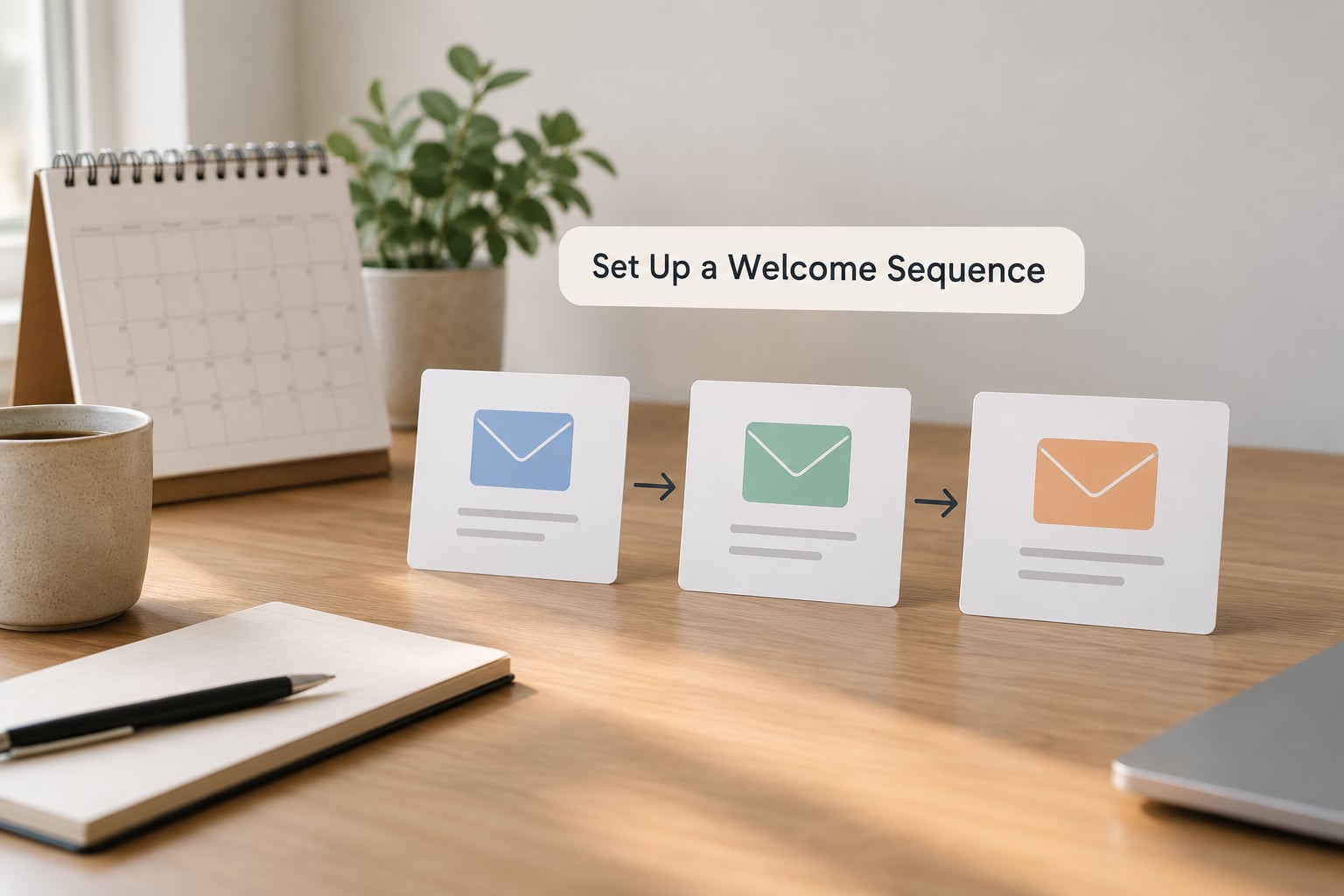
Build the welcome sequence before you take your first signup, not after. Three emails are enough to start: one immediately, one around day three, one around day seven.
The first email delivers the lead magnet and sets expectations: what this list is, how often you write, what they will get. The second gives something useful right away, such as the answer to a question new subscribers always ask. The third invites a reply and points to one next step, like reading a specific piece or answering a question you will use later.
One call to action per email. Keep subject lines plain and specific rather than clever. Test that every link works, that attachments arrive, and that authentication is active, then let it run.
7. Send Useful Emails on a Sustainable Schedule
Pick a frequency you can keep for a year, not a month. Once a week is a reasonable default for most new lists. Twice a week works if your topic genuinely has that much to say; daily rarely does.
Build a simple editorial rhythm: one email that helps, one that points to something relevant, one that asks something. Alternate them so the list never becomes a single commercial stream. When you have more than one kind of subscriber, segment by interest or by how they signed up rather than mailing everyone the same thing.
Do not read open rates as truth. Privacy protections on major mail apps load images automatically, so opens get inflated. Judge a send by replies, clicks, unsubscribes and whether people stay subscribed. An unsubscribe is a fine outcome; a spam report is not.
Resist the urge to email more to compensate for a small list. Consistency matters more than volume at this stage.
8. Review Results and Improve Each Month
Track a small set of numbers each month: total subscribers, new signups by source, delivery rate, unsubscribes, replies, clicks, and how many people stay subscribed after the first send. Remove addresses that bounce permanently. Once a quarter, send a short “still want to hear from me” note to people who have not clicked in months and remove the ones who ignore it.
A rough twelve-week shape looks like this. Treat it as a direction, not a quota.
| Week | Focus | Realistic total subscribers |
|---|---|---|
| 1 to 2 | Set up service, domain sending and the signup page | 0 to 10 |
| 3 to 4 | Ask your existing contacts personally, publish the resource | 25 to 50 |
| 5 to 8 | Content-matched forms, one event or collaboration, first regular sends | 75 to 150 |
| 9 to 12 | Repeat the best channel, test one new one, cut what stalls | 200 to 400 |
A founder describing an early launch in a startup forum posted roughly 150 signups within a few weeks, from a simple page, a handful of niche forum posts and 20 to 30 direct messages. That is a realistic shape for the first month, and it was enough to learn which subject lines worked before anything launched.
Common Mistakes
Buying a list. The addresses did not consent, and your sending domain takes the damage. There is no recovery worth attempting; start over with opt-in signups instead.
Targeting everyone. A vague promise produces signups who never open anything. Write the ideal-subscriber statement and test whether it names a real person.
Asking for too much up front. Five fields on a signup form halves the signups you would get from one field. Collect an address, ask questions later.
Promising more than you can deliver. Announcing a weekly newsletter and then writing once a month costs you subscribers permanently.
Sending too often. If people stop opening and start unsubscribing, cut frequency before you cut content quality.
Skipping the welcome emails. The first few messages decide whether someone stays. Automate them before you launch anything.
Ignoring consent. No clear opt-in, no privacy notice and no working unsubscribe link create legal exposure and blocklist trouble.
Chasing vanity numbers. Total subscribers alone tells you nothing. Replies and click-throughs tell you whether the list is worth anything.
If growth has stalled, work through this in order: check the form still works and delivers, check the mobile view, check the offer is relevant to the page it sits on, then check the channel you have not tried yet. Most stalled lists fail at one of the first three.
Frequently Asked Questions
Can I build an email list for free?
Yes. Every major email service provider offers a free tier that covers a small list, and most include automated welcome emails at no cost. Add a domain-based sending address and turn on authentication, both of which are usually free too. Paid plans matter later, when you need more subscribers, more automation steps or deeper segmentation.
Is buying an email list legal?
Usually no, and it is risky even where it is not clearly illegal. Purchased addresses have not given consent to hear from you, so sending to them breaks anti-spam rules in many countries and usually violates the email provider’s own terms. Complaints damage your sending domain. Build the list yourself with clear opt-in instead.
How long does it take to grow an email list from scratch?
Plan in months, not days. A focused beginner with a clear offer and an existing circle of contacts often reaches 25 to 50 subscribers in the first month and 200 to 400 by month three. Numbers depend far more on how consistently you publish and how specific your offer is than on any tool you choose.
Do I need a website to grow an email list?
No, you need one page. A single signup page with a headline, benefit, email field and consent line is enough to start collecting addresses. A website helps because it gives you more places to put forms, but many people begin with a standalone page, a mailing-platform signup form, or a form hosted by their email provider.
Should I start emailing a list of only 10 subscribers?
Yes, start. Ten people who opted in are a genuine audience, and sending to them tests your subject lines and your links with real feedback. Waiting for hundreds delays every lesson you would get from sending. Just keep the promise you made on your signup page and expect the first few emails to be rough.
Start With One Focused Signup
Do five things this week: name one audience, write one promise in a single sentence, build one narrow free resource, publish one signup page with a single form, and test it yourself on a phone. Then point people at it deliberately, starting with the people who already know you.
Small does not mean worthless. Ten people who asked to hear from you, a list that keeps growing by a few each week, and regular emails that say something useful is a business asset that no algorithm can take back.